
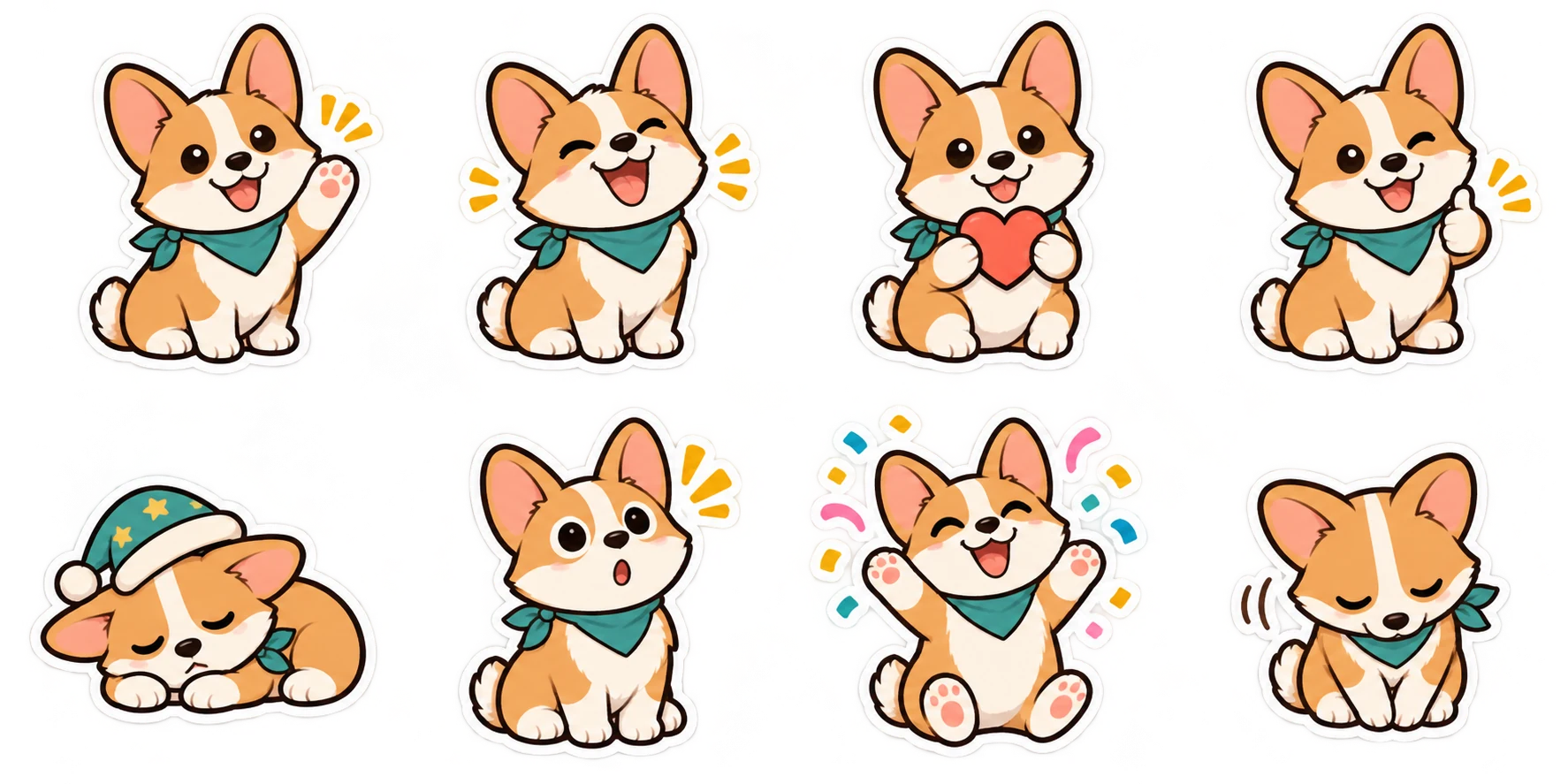
Keep a transparent master, choose the destination at export and check the actual encoded file. Renaming a file never changes its format.
Compare the static sticker requirements
Start with the destination, then export the file. A square PNG is not automatically accepted everywhere, and a ZIP archive is not an installed sticker pack. Keep your transparent master and make a separate export for each platform.
| Platform | Image | File limit | Pack details |
|---|---|---|---|
| 512 × 512 WebP | 100 KB per static sticker | 3–30 stickers; 96 × 96 tray icon | |
| Telegram | PNG or WebP; one side 512px | 512 KB for static upload | Associate an emoji; publish with @Stickers |
| Discord | 320 × 320 PNG | 512 KB | Server permissions and available slots |
| LINE | PNG within 370 × 320 | 1 MB per image | 8/16/24/32/40; main and tab images |
This comparison covers static stickers. Animated stickers have separate encoding, duration and frame-rate requirements. Sticker Maker currently exports static artwork. Official specifications are linked in the sources below; check them again when preparing a new submission.
WhatsApp needs WebP artwork and a tray icon
The official third-party pack specification uses a 512 × 512 canvas and a maximum of 100 KB for each static sticker. A pack has 3–30 stickers plus a 96 × 96 tray icon, with the icon limited to 50 KB. Keep the background transparent and leave a clear outline around the subject.
Choose WhatsApp in the exporter to receive checked WebP files and the tray image. If a file is too large, reducing its dimensions is not a valid fix because the canvas must remain 512 × 512. Compression or simpler artwork is the relevant adjustment.
Downloading these files does not install them. See how to add your stickers to WhatsApp for the distinction between file delivery and the supported import route on your device.
Telegram distinguishes stickers from custom emoji
A static Telegram sticker uses PNG or WebP. One side must be exactly 512 pixels and the other can be 512 or less. Our square PNG export uses 512 × 512. The static upload limit is 512 KB. Telegram custom emoji use a different, smaller canvas; do not export emoji dimensions when you want a regular sticker.
The official @Stickers mini app manages packs, and its bot commands remain another way to use those functions. Upload the sticker file rather than a compressed chat photo, associate an appropriate emoji and follow the publishing steps. A downloaded ZIP must be extracted first.
Our export includes suggested emoji in its manifest and README. Those suggestions describe the reaction; you can choose another if it better matches your character's expression.
Discord stickers use a 320px canvas
Discord's static sticker specification calls for PNG files at exactly 320 × 320 pixels, up to 512 KB. A matching Unicode emoji supports sticker suggestions. Add a useful description so someone using a screen reader can understand the artwork.
For example, “brown dog laughing with tears” describes the sticker more clearly than “funny sticker.” It gives the character and the reaction without relying on the image being visible.
Upload through the server's sticker settings, using an account with the required permissions and an available sticker slot. A file sent as an ordinary attachment is not the same as a configured server sticker. Our Discord maker prepares the image; it cannot change server permissions or capacity.
LINE requires a complete submission set
LINE's static sticker artwork fits within 370 × 320 pixels. Files are transparent PNG, with even-numbered dimensions and no more than 1 MB per image. A set contains 8, 16, 24, 32 or 40 stickers, plus a 240 × 240 main image and a 96 × 74 chat tab image. The complete ZIP must not exceed 60 MB.
Our current LINE export creates sets of 8 or 16 and includes the two supporting images. Review those smaller images separately: a face that reads clearly in the full sticker may need a different crop in a tiny tab. You still need to complete the creator submission details and platform review.
Correct dimensions are only the technical portion of submission. Use artwork you have rights to submit, declare AI use accurately where required and follow LINE's current content rules. Exporting a valid ZIP does not guarantee approval or sales.
Check pixels, not the checkerboard
A checkerboard is how many editors display empty pixels. If that pattern has been drawn into the picture, it will travel with the image into your chat. Changing the file extension or placing the image on a transparent canvas does not remove an opaque rectangle inside it.
Switch between light and dark preview backgrounds. The color should show around the outline, including spaces between limbs or around hair. White fur should remain visible, and the border should not become a broad pale rectangle. Our exporter checks for actual transparent pixels, but a visual check can still reveal an unwanted halo or clipped detail.
Before you upload
- Choose the platform in the exporter, then inspect the downloaded format and dimensions.
- Extract the ZIP; upload the individual files or use a compatible importer.
- Review the tray, main or tab icon if the destination needs one.
- Check short captions at the size they appear in a chat.
- Upload a test sticker before distributing a whole pack.
If you already have a transparent PNG or WebP, each platform maker includes a free local converter. It changes the size and encoding without uploading your file or using AI credits. A normal opaque photo first needs actual background removal or a newly generated transparent character; the converter does not pretend that padding alone solves that problem.
Sources & further reading
Platform requirements were checked on Nov 17, 2026. This article covers static stickers; check the original documentation for later changes.
Try an export before making your pack.
The free sample lets you compare PNG, WhatsApp, Telegram, Discord and LINE files without using credits.
Try the free sample