
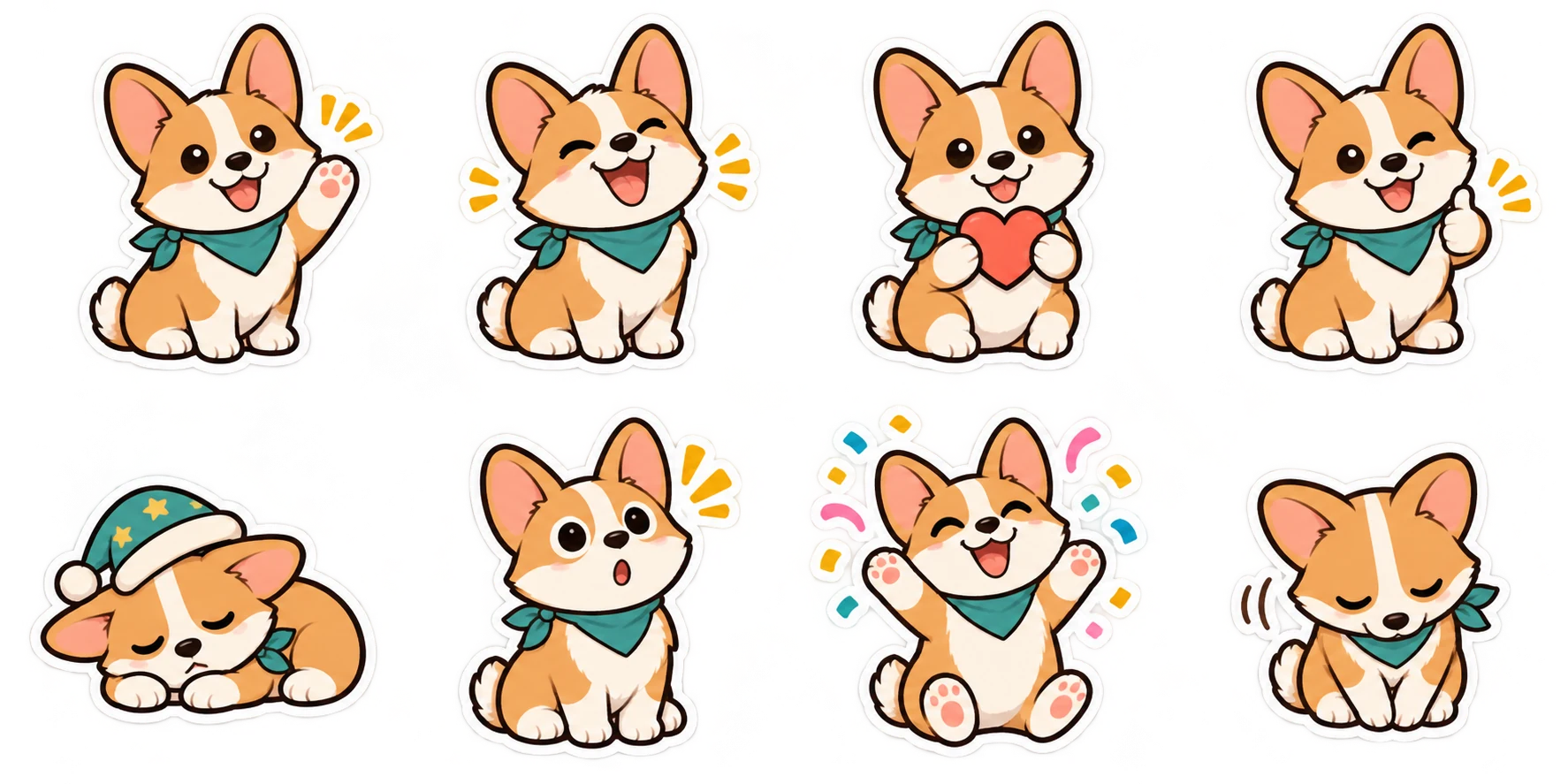
Download and unzip the WhatsApp export, then use a supported creator or importer on your device. Test one sticker in a chat before sharing the pack.
Start with files your import route accepts
Creating artwork and installing a pack are two different steps. Sticker Maker produces static sticker files. WhatsApp's official third-party integration uses a mobile app to make a pack available in the sticker tray. A browser download cannot perform that native integration by itself.
Before making a large collection, check the sticker creation tools available in your WhatsApp version or choose a trusted importer that accepts your own files. Confirm its format support, device compatibility and any payment requirements. You should know the route works before committing to a whole pack.
You can use our free sample to practice downloading. It contains already illustrated artwork, so trying the export does not spend credits.
Download and extract the WhatsApp export
Select WhatsApp in the studio's export menu and download your pack. Wait until at least three stickers are complete for a pack export. Open the ZIP in your device's file manager and extract it into a folder you can find again.
The folder contains numbered WebP stickers, a tray icon, a manifest and a README. The numbered files are the images you send; the tray icon represents the pack in a picker. Do not upload the ZIP as an ordinary chat attachment and expect it to become a sticker set.
For the static third-party format, each sticker is 512 × 512 and at most 100 KB. The tray image is 96 × 96 and at most 50 KB. The exporter checks the encoded files against these limits. Keep your files as WebP unless the specific creator or importer asks you to supply a different supported source format.
Use a supported creator or importer
If your WhatsApp version provides a sticker creator that accepts the image you want to use, follow that creator's prompts and save the result. Its controls and source formats can differ between devices and versions, so an instruction for one phone may not match another exactly.
If you use a separate sticker app, create a pack there, add the extracted files it supports and complete its Add to WhatsApp flow. That app handles the installation step. We do not provide a native importer or claim that every third-party sticker app accepts this ZIP format.
If an importer only accepts PNG sources, download the transparent PNG version from the same completed pack and let the importer prepare its own native package. Exporting again uses no generation credits. Do not rename .webp to .png; the file's underlying format would still be WebP.
Send one sticker before sharing the collection
After the pack appears in your picker, send a sticker to yourself or a trusted contact. Look at its outline on both light and dark chat backgrounds. Check that eyes, mouth and the intended gesture remain readable without opening a larger image.
Try a sticker with a caption too. Short wording should be legible at chat size. If a caption feels cramped, return to the studio, shorten it and export again. Caption edits do not need another AI generation.
Fix the problem at the right step
| What you see | What to check |
|---|---|
| The ZIP opens as a document | Extract it first. A ZIP is a container of files, not an installed pack. |
| The importer refuses WebP | Check its supported source formats. Try the PNG export only if that importer accepts PNG. |
| A pack has too few stickers | Finish at least three for the third-party pack format; check your importer's own requirements. |
| A square background appears | Inspect the source's actual transparency. A drawn checkerboard is part of the picture. |
| The file is too large | Use the WhatsApp export. Do not resize below the required 512px canvas. |
| The sticker looks tiny | Check excess empty space inside the image and compare the artwork at chat size. |
| The app has no add-pack button | Confirm that it supports native WhatsApp installation on your current device. |
An animation needs its own supported format and rules. Renaming or importing a static sticker will not make it move. This website's current outputs are static.
Keep your master images
Save a transparent PNG copy of the completed artwork. It gives you a clean starting point for another platform and a backup if you later remove a pack from your account. Deleting a pack removes the stored source and generated image files from this service.
To reuse the artwork on Telegram, Discord or LINE, select that destination in the exporter. The sticker format comparison explains the different dimensions and supporting files. You can make those exports from the same completed artwork without another generation.
Sources & further reading
Platform requirements were checked on Nov 17, 2026. This article covers static stickers; check the original documentation for later changes.
Prepare your WhatsApp sticker files.
Create a matching pack or convert an existing transparent sticker to the correct WebP format.
Open WhatsApp sticker maker